
Whether you’re running a simple blog or an entire business site, having continual access to update the displayed front-end information is necessary. Regularly updating the content keeps visitors returning and it helps avoid a stale, dated look. However, just as important is the need to do so through a secure, user-friendly content management system and log in service. Without strict and direct protection against outside threats, a website administrator potentially faces the risk of hacking, which could result in themselves getting locked out of their own website or even having undesirable information posted to the site. Therefore, having a secure log in through a quality CMS allows for the highest level of security for web masters.
What is a CMS & Why Do I Need One?
A content management system (CMS) is a specific program designed to publish, edit and modify information on a website. This program allows for direct access to the offline version of the site. Any individual with access to the network is able to open the program and alter the design of the website. T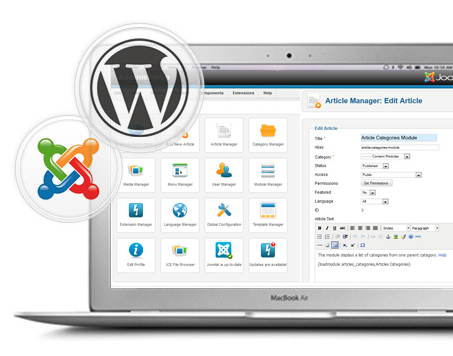 o prevent this, the secure log in allows only individuals with an administration approved username and password to gain access. A customized CMS also protects hard copy data and information from hackers and outside threats. Whether the files are stored locally or in the cloud for easy access during the website design, the design software is protected, but more importantly, the storage database is protected and, often times, encrypted.
A user-friendly CMS offers more than just a security though. It also serves as the central hub for managing and editing the site. A well-developed content management system will provide easy features for quick editing and will be compatible for plugs-ins that provide even more features for advanced functions. There are several popular CMS platforms available (here’s a list of the top 10!), but some companies also decide to have a custom CMS built to accomodate their specific needs.
Either way, a user-friendly CMS should always be:
- Easy to use
- Accessible to multiple admins
- Customizable to meet your business’ needs
- Intuitive
- Secure